How refunds are handled, where returned funds go, and what to keep configured.
When a transaction fails after funds have already moved — a receiving bank rejects the payment, a compliance reversal, an expired transaction — the money comes back. This guide covers how refunds are handled, where the returned funds go, and what to configure so refunds happen without you touching anything.
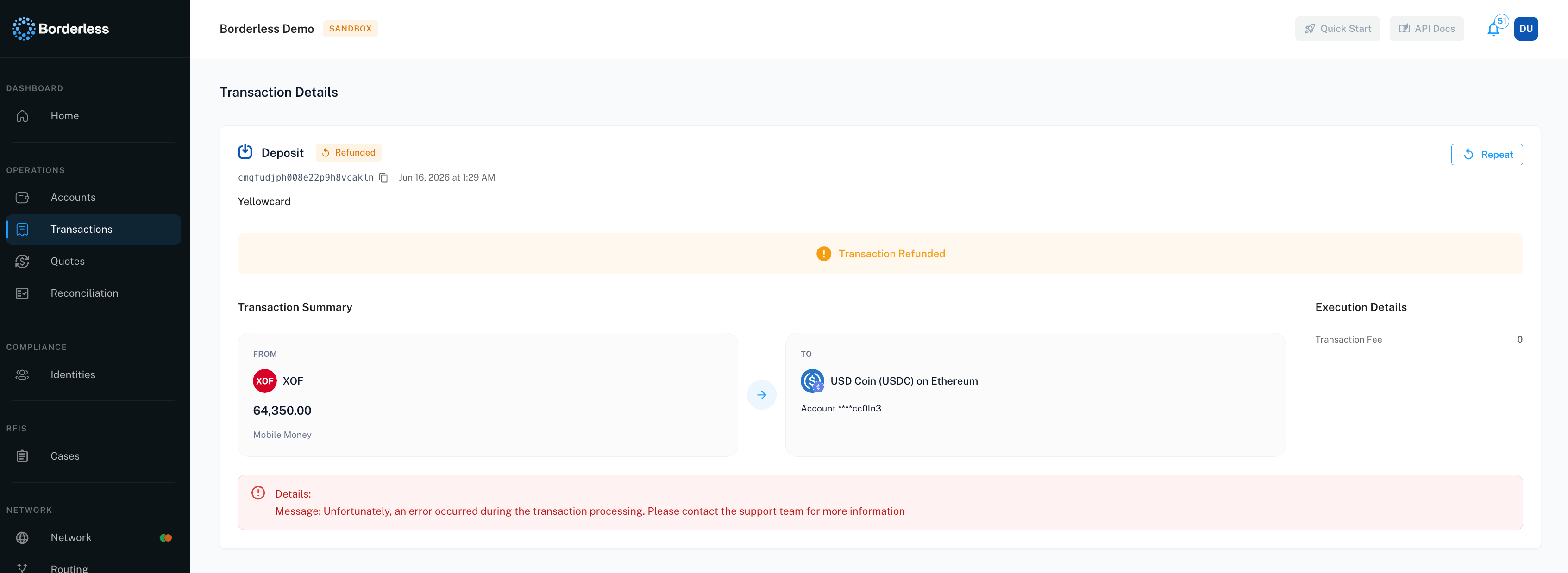
Every transaction gets a refund plan when it’s created. By default, auto-refund is enabled: if the transaction fails after funds moved, Borderless dispatches the refund automatically and the transaction ends in the Refunded status. Refunds are asynchronous — the status updates when the refund completes, and you can follow it on the transaction’s detail page like any other state change.Refund plans can also be dispatched manually — from the transaction’s detail page, or through the API if your team wants programmatic control over when refunds go out.
A refund plan resolves its destination by hierarchy — the most specific setting wins:
A destination set on the refund itself when it’s dispatched.
A destination set on the individual transaction.
Your organization’s default refund destination.
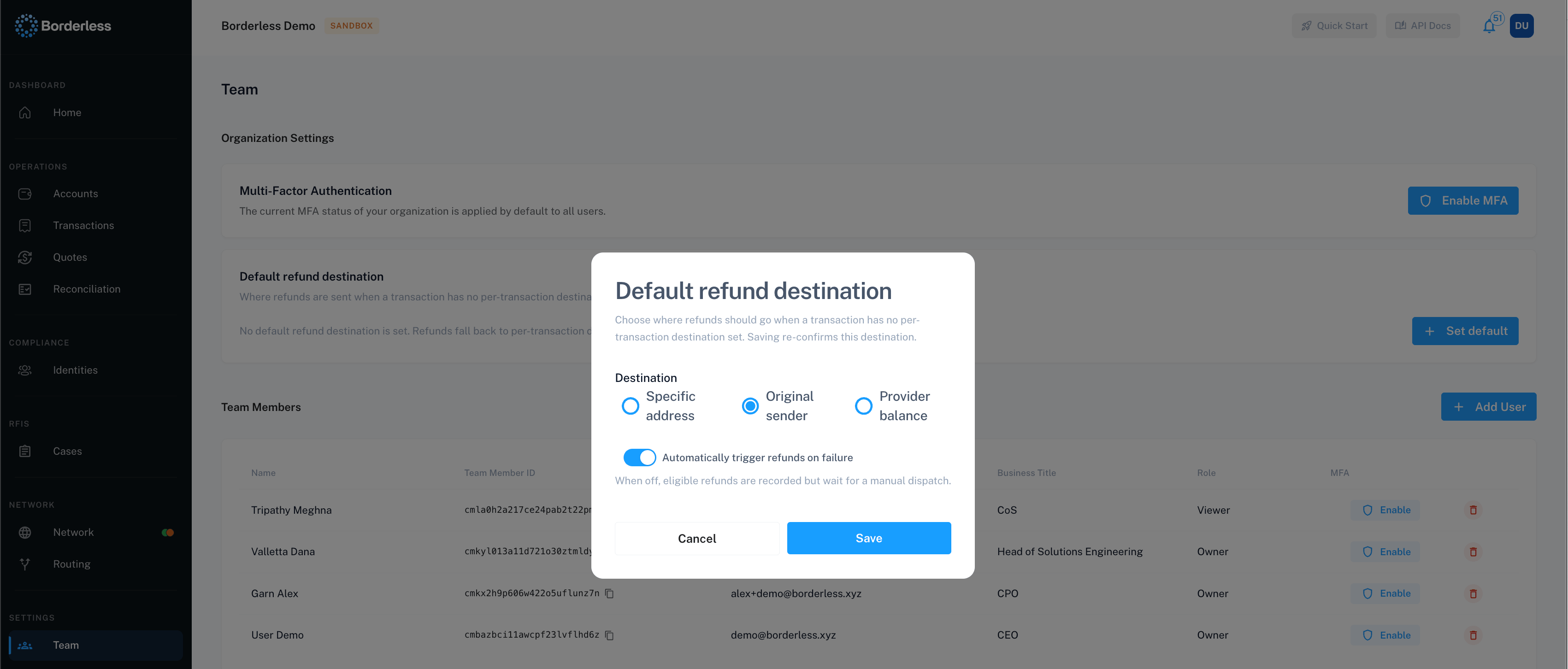
Depending on what the provider supports, returned funds can go to a wallet address you specify, back to the original onchain sender, or stay in your balance with the provider. When you nominate addresses, you set one per network — a refund uses the address matching the transaction’s network, so a network you haven’t given an address for has no default to fall back on.
The organization default is the safety net — it catches every refund that doesn’t specify its own destination. Configure it on the Team page under Organization Settings: Organization Administration covers the steps.One thing to keep current: the destination needs re-confirming periodically. After 30 days its badge flags that it’s due — refunds still run normally at this point. After 90 days it lapses, the badge moves to an expired state, and automatic refunds to the default stop working until you re-confirm — a two-click task that’s worth a recurring reminder for whoever owns it. Only Owners can manage this setting.
Some refunds wait for you rather than going out automatically — a plan created with automatic refunds turned off, or one parked because a fiat payout failed. When a transaction is in that state, a Refund button appears on its detail page.The button only shows when all three of these hold:
The transaction has Failed.
Its refund plan is ready to be dispatched.
Your role includes the refund permission for transactions. Owners have it; other roles need it granted.
Confirming sends the refund to the destination already resolved for that transaction — the modal names the address when there is one. The action can’t be undone.
The returned amount may differ from the original. Where a failed fiat payout is being returned as crypto, the funds are re-converted at the current rate, so currency movement between the original transaction and the refund is reflected in what arrives.
Refunded transactions show the Refunded status in the Transactions list — filter by status to see them all. Open one for the full picture: the original failure reason and the state timeline.
A failed transaction hasn’t refunded. Check your default refund destination on the Team page first — if its badge shows expired, re-confirm it; automatic refunds don’t run while it’s lapsed. Then open the transaction: if a Refund button is showing, the refund is waiting on you and confirming it will send the funds. If the destination is healthy and no button is offered, contact your Borderless representative with the transaction ID — refunds are asynchronous and some rails take longer than others.I don’t know where a refund went. The destination hierarchy above tells you where to look: a transaction-specific destination first, then the organization default. The transaction’s detail page shows its state history.I want refunds to go somewhere else for one transaction. Destinations can be set per transaction (and per dispatched refund) through the API — see the Developer Guides. In the platform, the organization default applies.
Was this page helpful?
Assistant
Responses are generated using AI and may contain mistakes.