

organization represents your company or team on the Borderless network.
The Borderless team will set up your organization for you during the onboarding process at the very beginning of your journey with us. You will be invited to join the organization via email or slack. You can read more about what comes next in our quick start guides.
As the highest overarching level, the organization will be the umbrella for associated API keys, access tokens, identities, accounts, transactions, and everything else that belongs to your team.
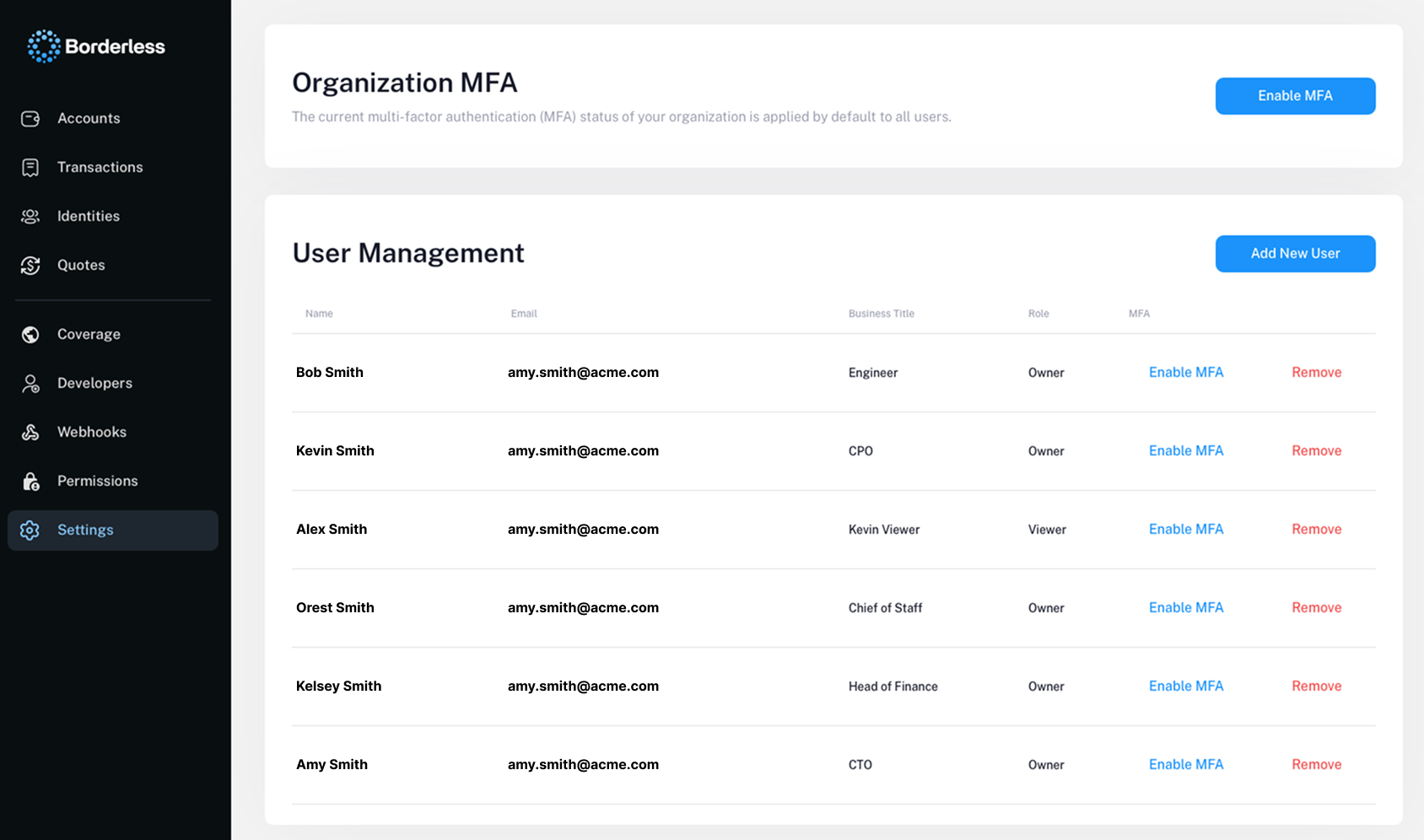
To manage your organization and configure settings, you will have access to the Borderless dashboard as your central command center. Here you can add new members, remove members, change your passwords, configure your web3 wallet infrastructure, view key metrics, and much more.
If you have any questions, please don’t hesitate to reach out to us via email or slack.